How do I edit brick pricing?
Last updated: July 25, 2024
Go to Products and select the desired product.
Select the desired plan.
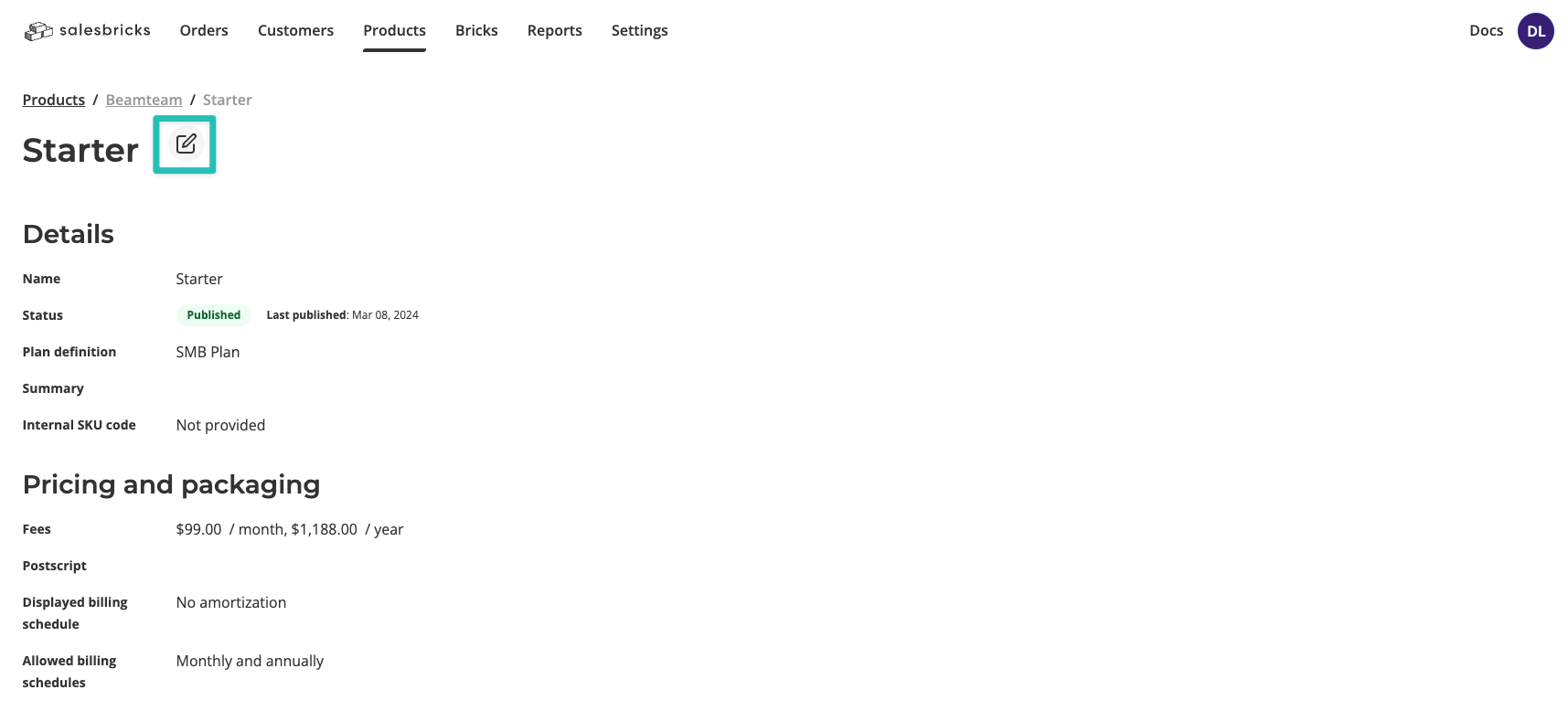
Click the edit icon.
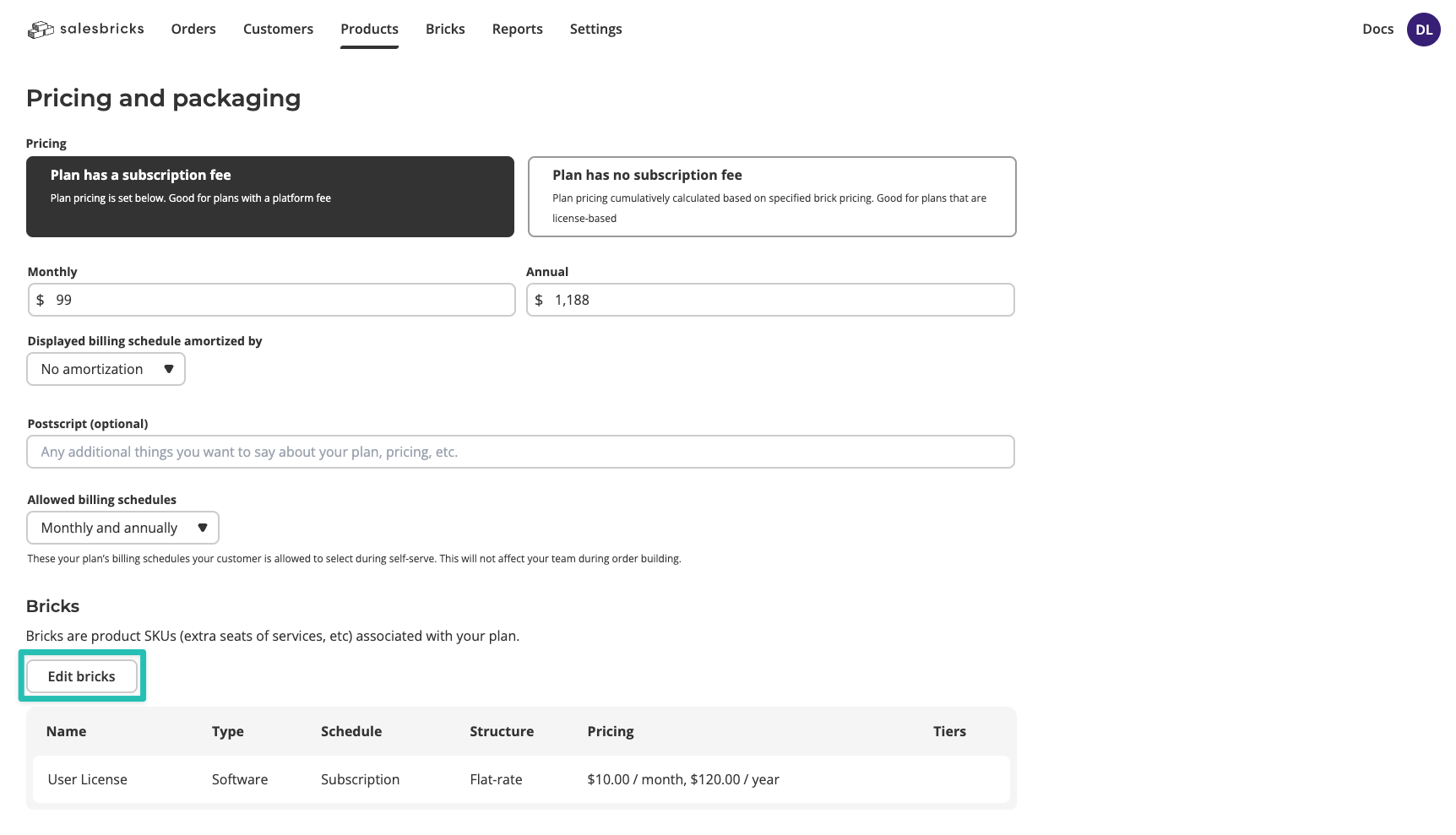
Scroll to the Bricks section and click Edit bricks.
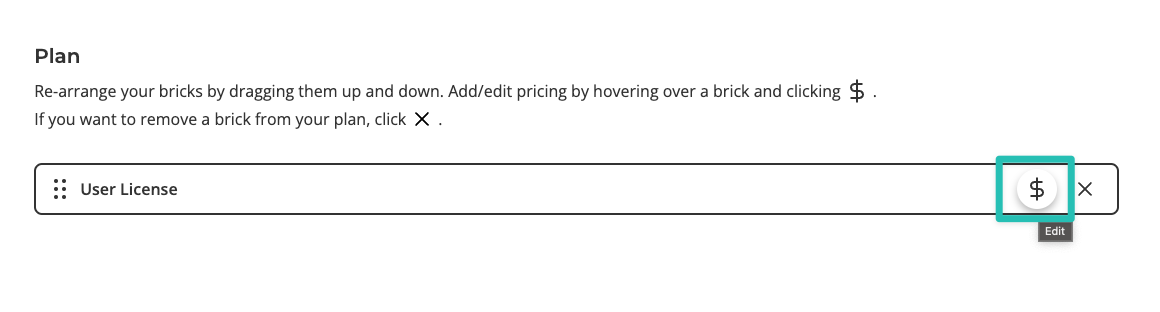
Hover over the desired brick, and click the dollar icon to edit its pricing.
Update the brick pricing and click Update to save changes.
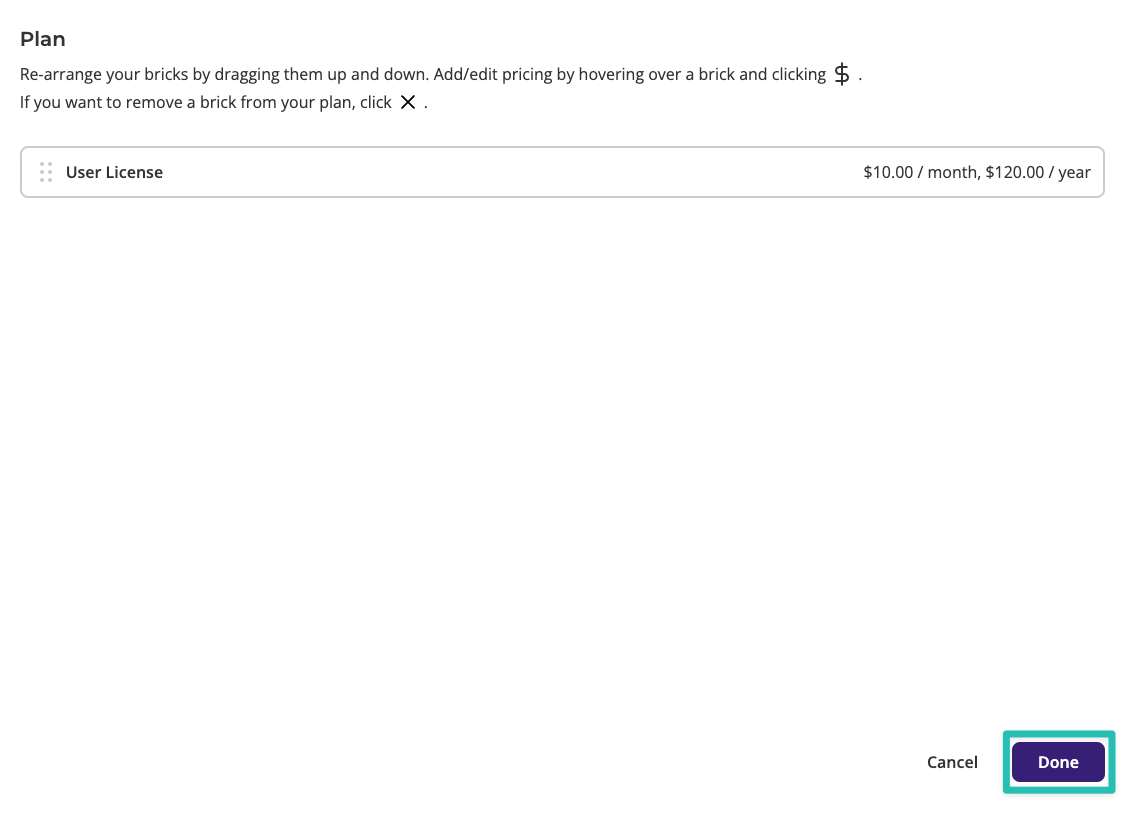
Click Done to exit the Brick Library.
Click Publish to use the new version of the plan when building an order.