How do I delete a plan?
Last updated: January 15, 2025
Go to Products and select a product.
Under the Plans tab, click the plan you wish to delete.
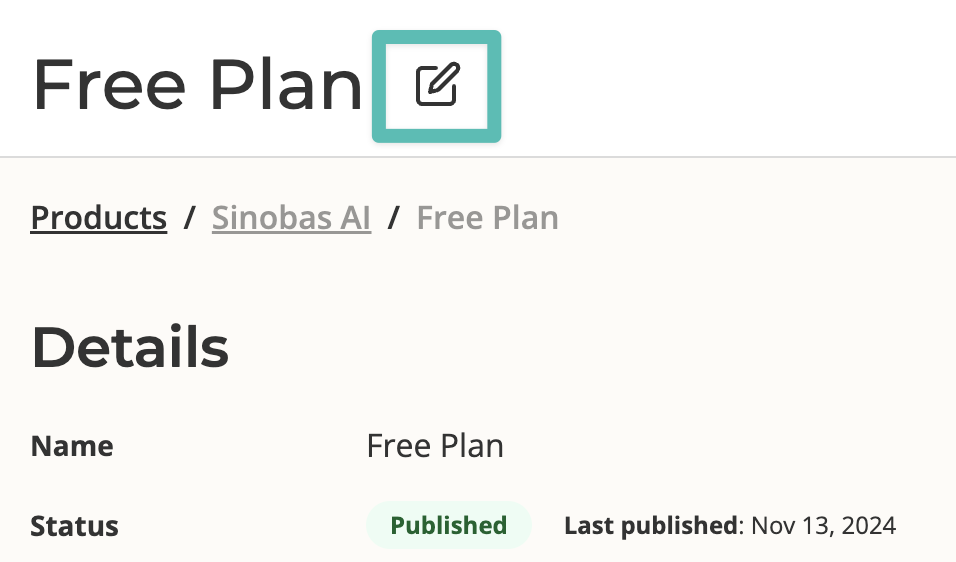
Click the edit icon next to the plan name.
Scroll to the bottom and click the button labeled "Delete plan."
A confirmation window will appear. Click "Delete" to finish deleting the plan.
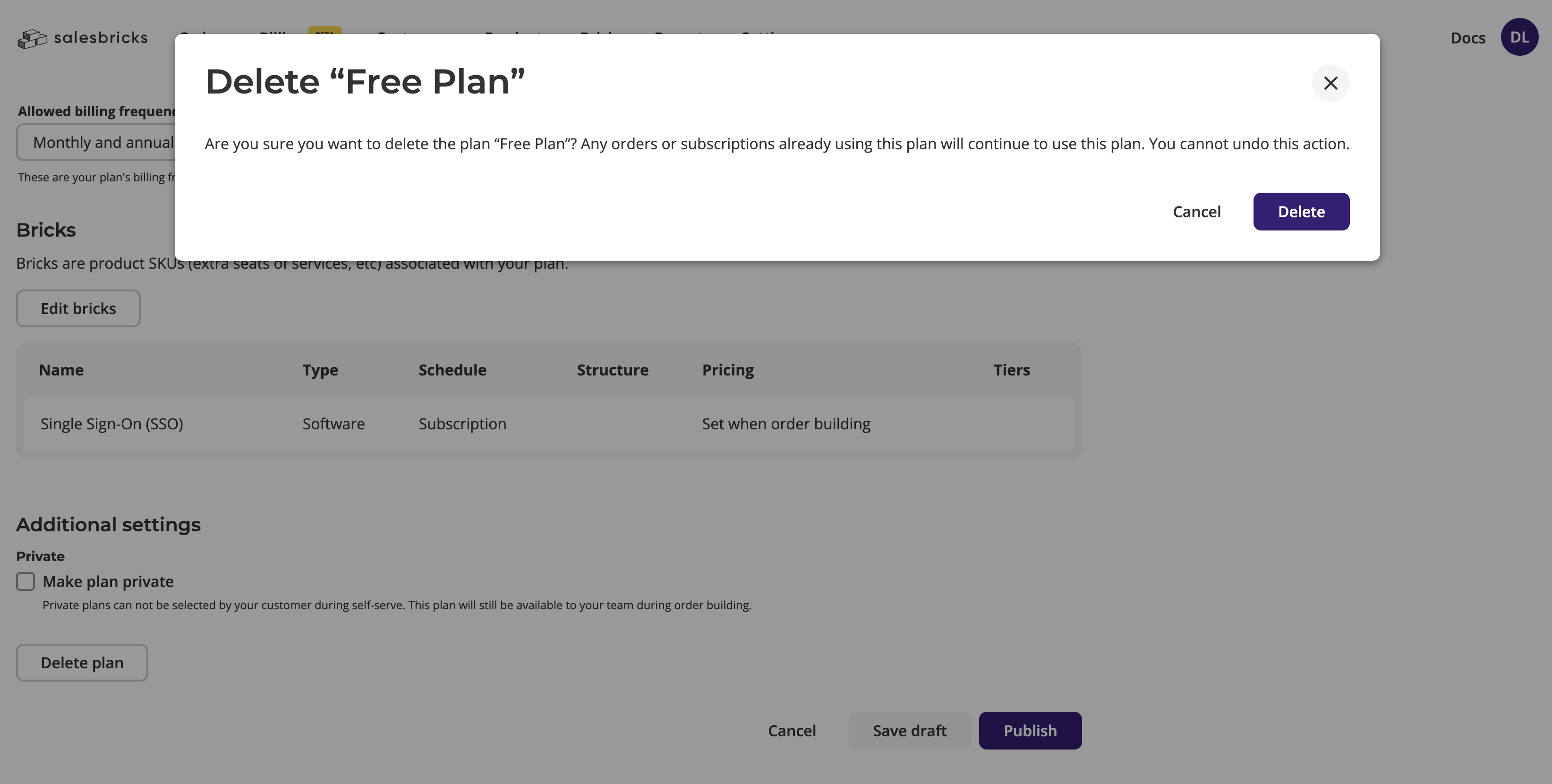
Any orders or subscriptions using a plan will not be affected after the plan is deleted.