How do I record an invoice payment?
Last updated: October 20, 2025
If a customer settled an invoice via check or wire transfer (i.e. outside of Salesbricks' paywall), you can reconcile the invoice manually by recording a payment:
In Salesbricks, go to Billing.
Search for the invoice you wish to update, and click it to view invoice details.
Next to the "Bill Statement" title, click the receipt icon labeled "Record payment."
Enter the amount paid, payment method, payment date (optional), payment ID (optional), and any additional payment details (optional).
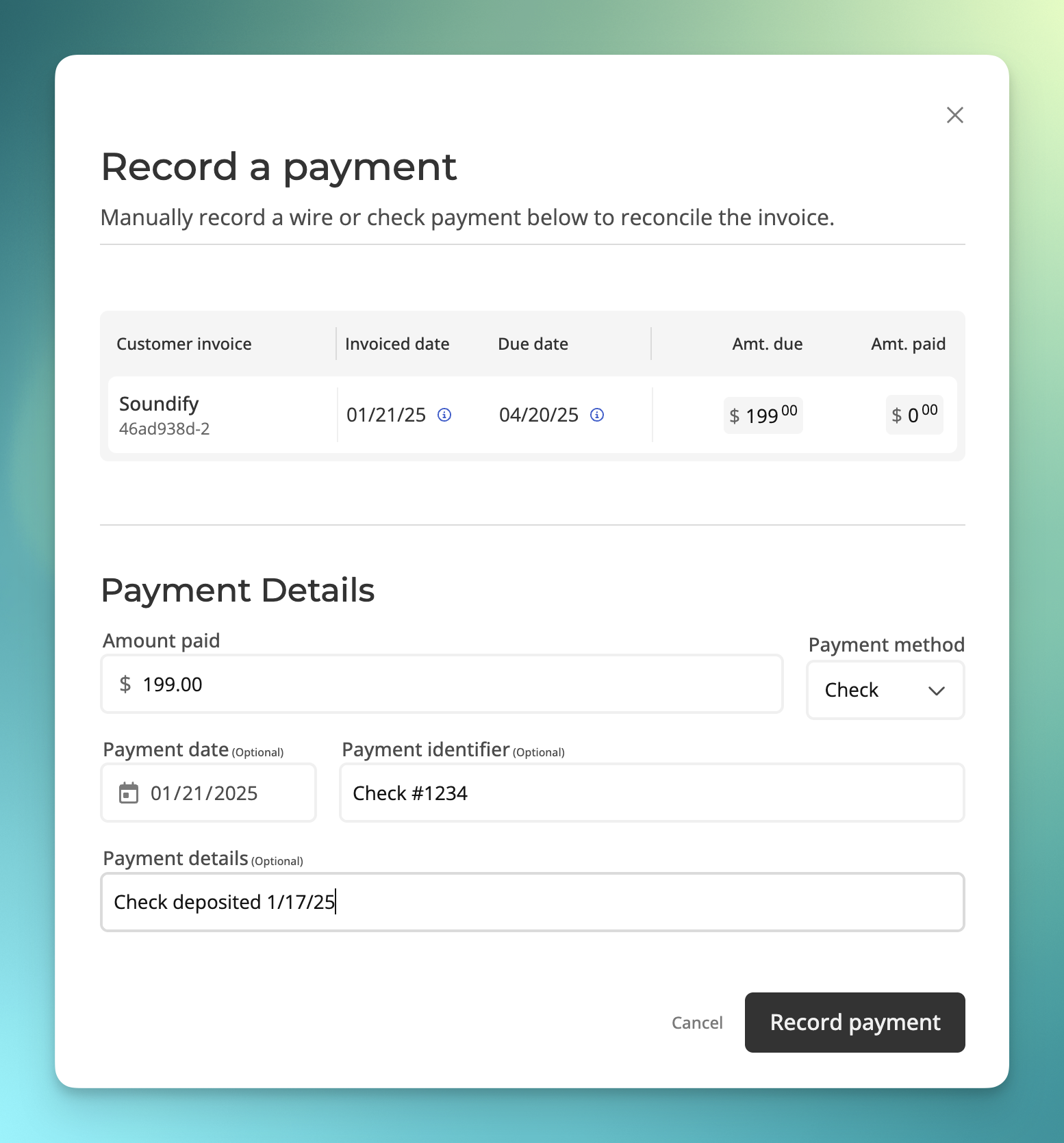
Click "Record payment" to save.