How do I update an invoice that has already been generated?
Last updated: December 22, 2025
Context
After an invoice has been generated, you may need to update certain details such as the company name, billing address, or PO number.
Common invoice update requests
Adding or updating a PO number
Updating the company's legal name
Updating the billing address
Updating the customer's tax/VAT code
Answer
To update a PO number, please reach out to Salesbricks support.
To update other company details (legal name, address, tax code), follow this article.
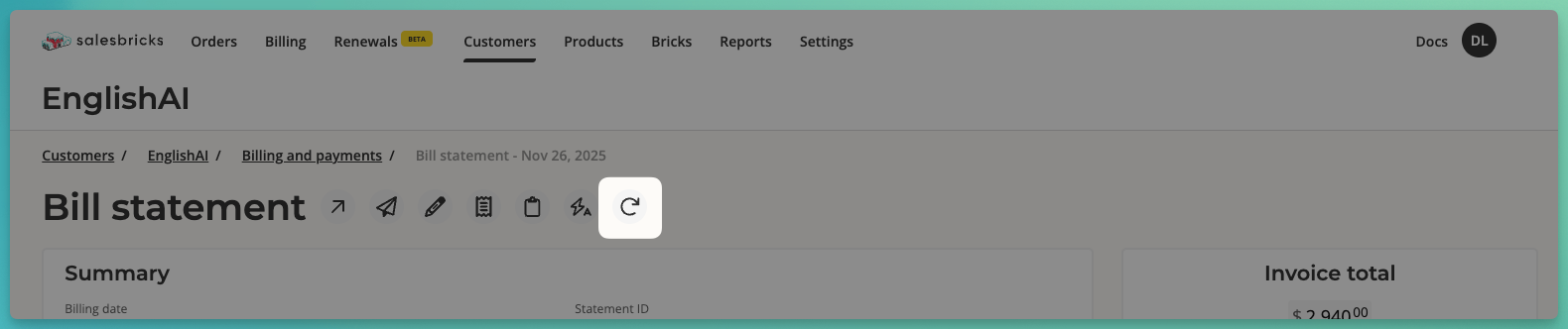
Once you've made your changes, you can regenerate the invoice from within the UI if the invoice has already been issued previously to the customer (i.e. the billing date has already passed):
Go to the Billing page and search for the invoice
Click the invoice row to view the statement details
Click the circular arrow icon to regenerate the invoice