How do I update my customer's company details?
Last updated: December 22, 2025
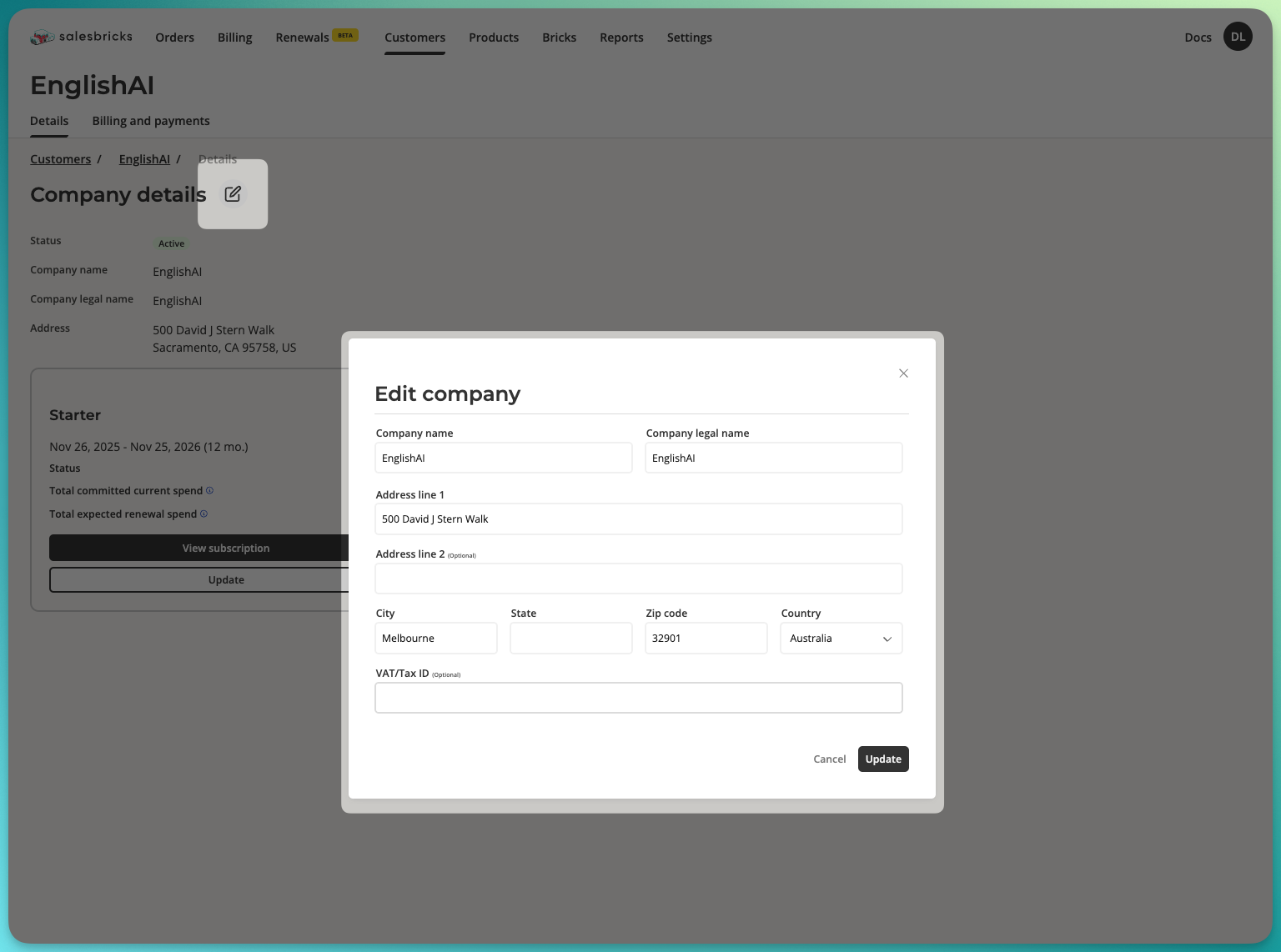
Go to Customers and search for the desired customer.
Click the customer row to view their company details.
Next to the page title, click the edit icon.
You have the ability to edit:
Company name (DBA)
Company legal name
Address
VAT/Tax ID (optional field available for non-US addresses)
Click "Update" to save changes.