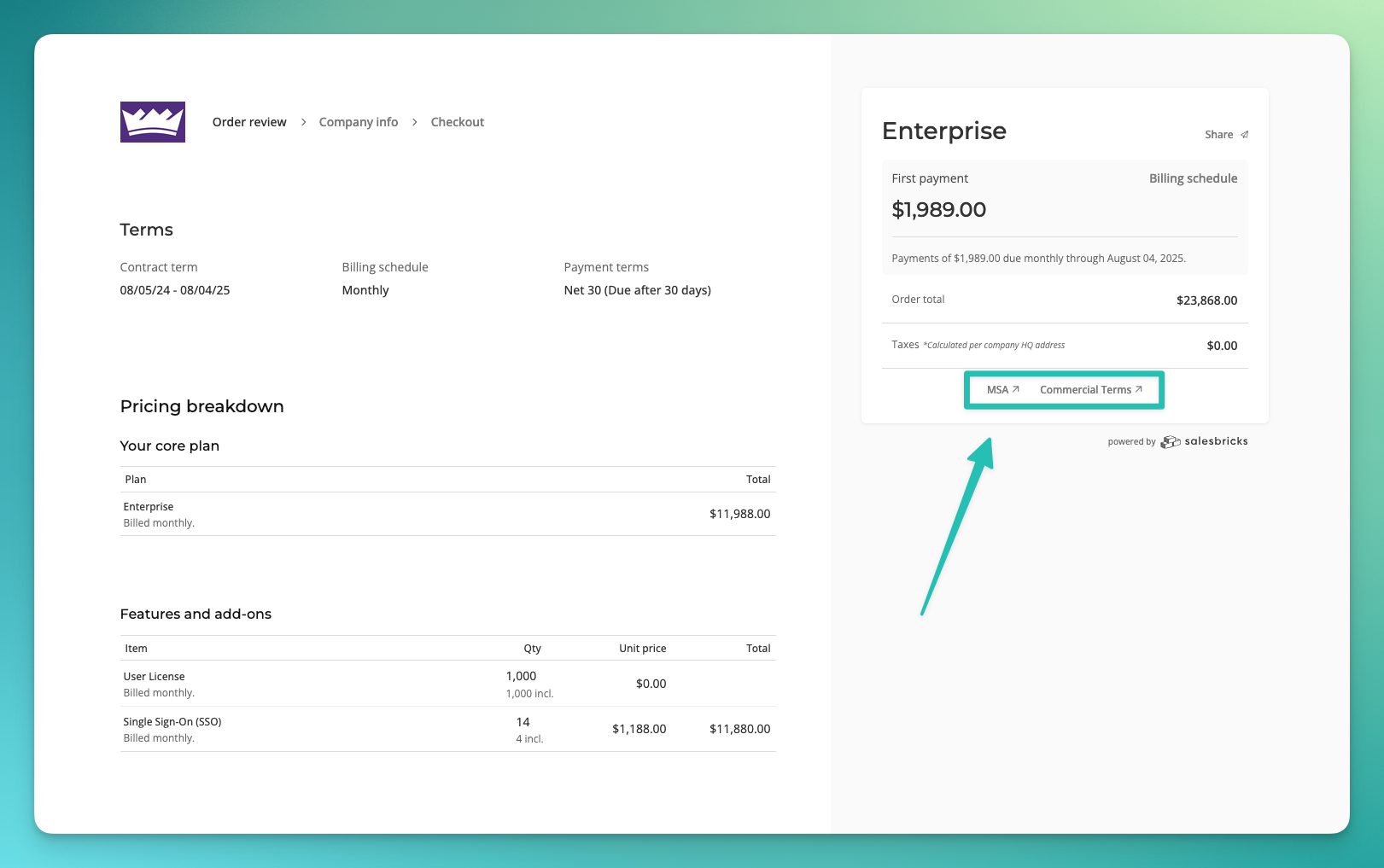
Can my customer review terms & conditions during checkout?
Last updated: October 10, 2024
Go to Settings -> Legal (link).
Verify that you have uploaded
docxversions of your MSA and/or commercial terms.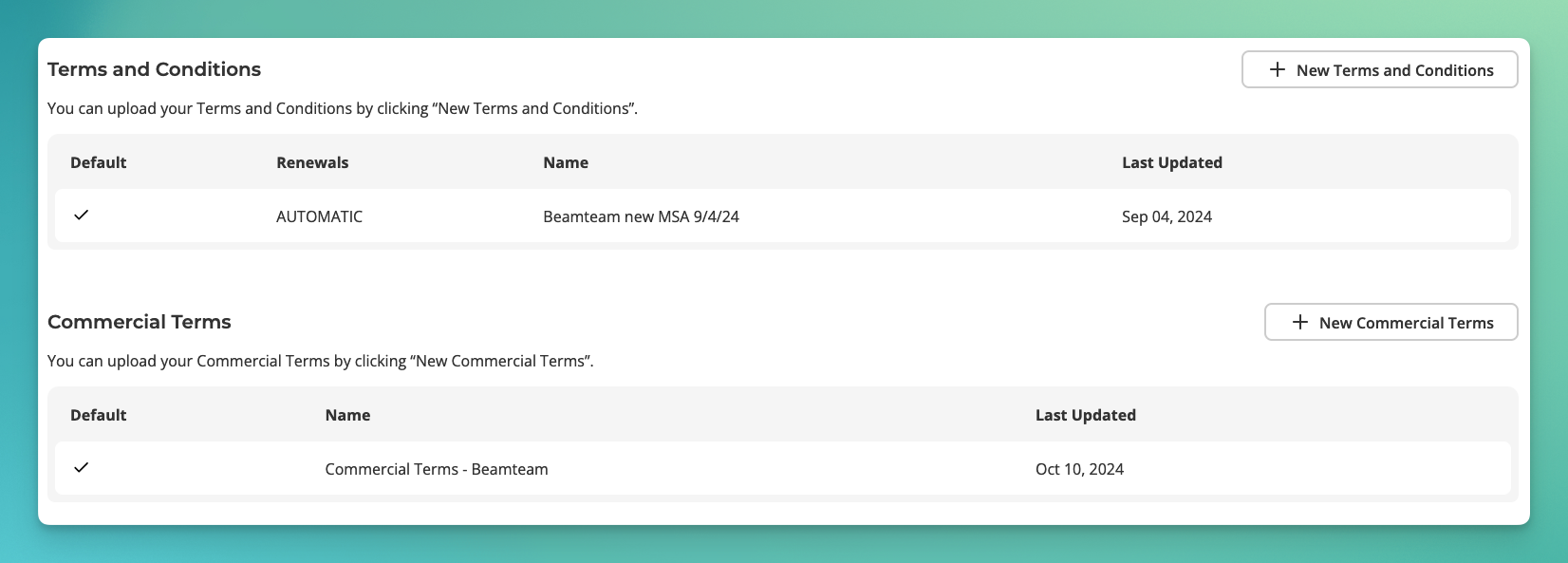
Click the edit icon.
Select which terms you would like to show to all your customers going forward.
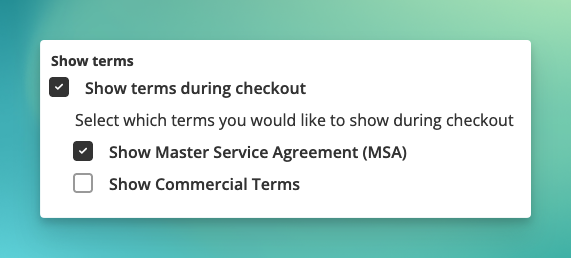
Click Update to save changes.
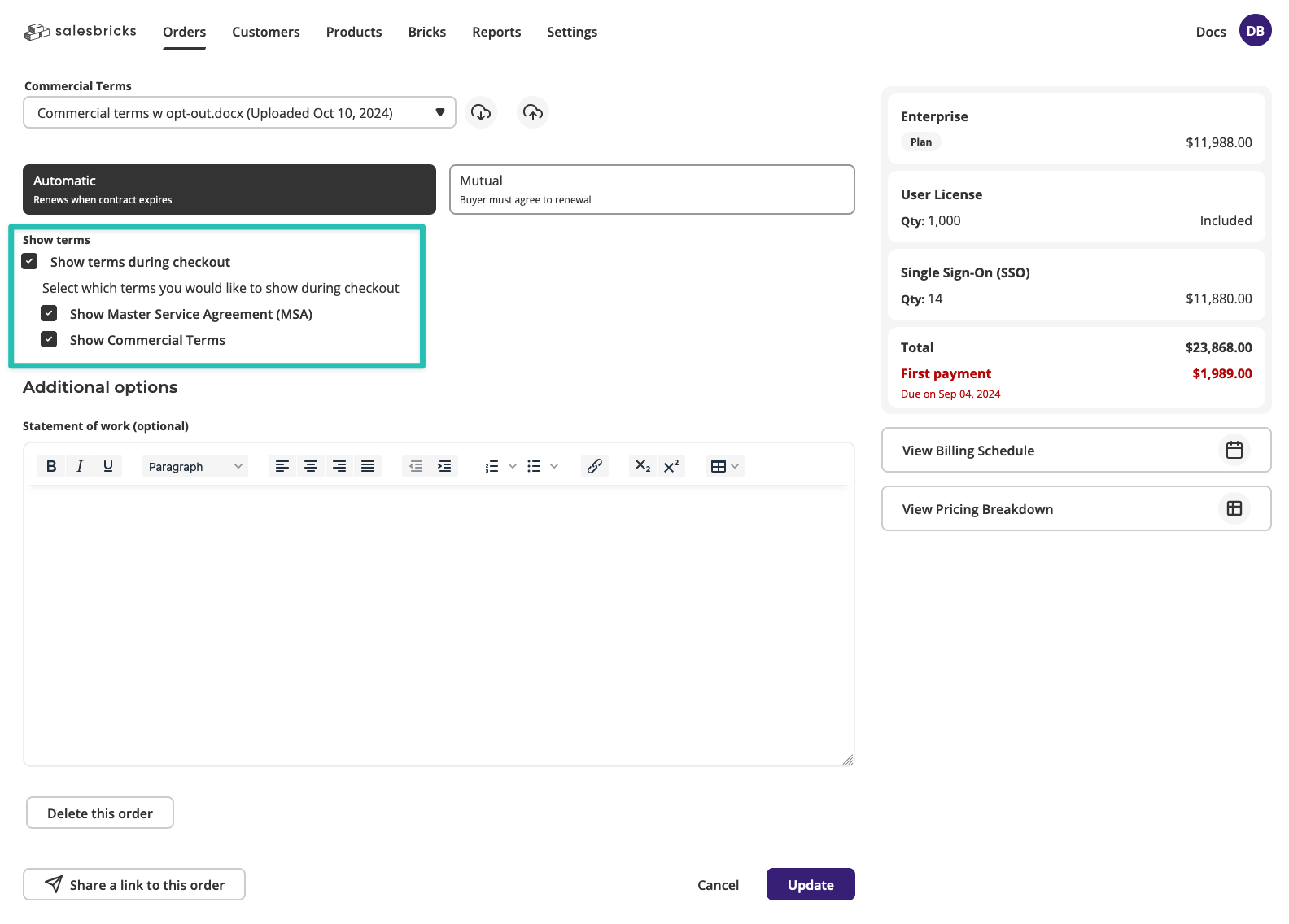
If you ever need to show or hide terms differently for a specific deal, you can override your default settings within the order builder.
During checkout, your customer will be able to access these documents if you, as the seller, have provided them on the order.