How do I create a renewal order?
Last updated: April 20, 2026
Automatic renewals
If a customer's order is set to renew automatically, you do not need to take any action to renew the customer's subscription. Salesbricks will create the order and automatically mark it as closed won.
Manual renewals
For customer subscriptions set to mutual renewal, it's important to follow these steps to create a renewal order:
Go to the Customers page, search for the desired customer, and click the table row to view their account.
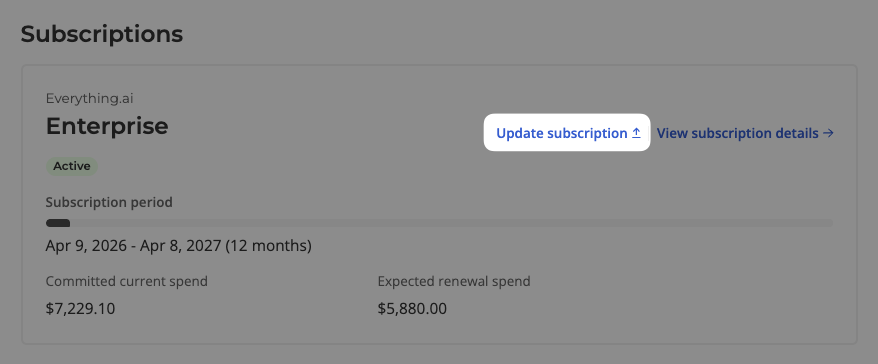
Click on the Update subscription button on the subscription card.
If an update order was already created, you will not be able to create a new renewal order until the current order is deleted.
If the subscription was terminated, you will not be able to create a new renewal order until the subscription is reinstated.
Select the Renew option from the menu.
Complete the fields and selections in the order builder.
Click Update renewal to save.
Alternatively, you can create a renewal from within the Orders tab:
Click New order
Search for the customer and select them
Select Existing subscription
Find the subscription you want to update, and select Renew
For additional information regarding renewal orders, including example scenarios, see Managing Your Customer.