How do I delete a closed order?
Last updated: April 25, 2025
Go to Orders.
Search for the desired order, and click it to view order details.
Click the trash icon to delete the order.
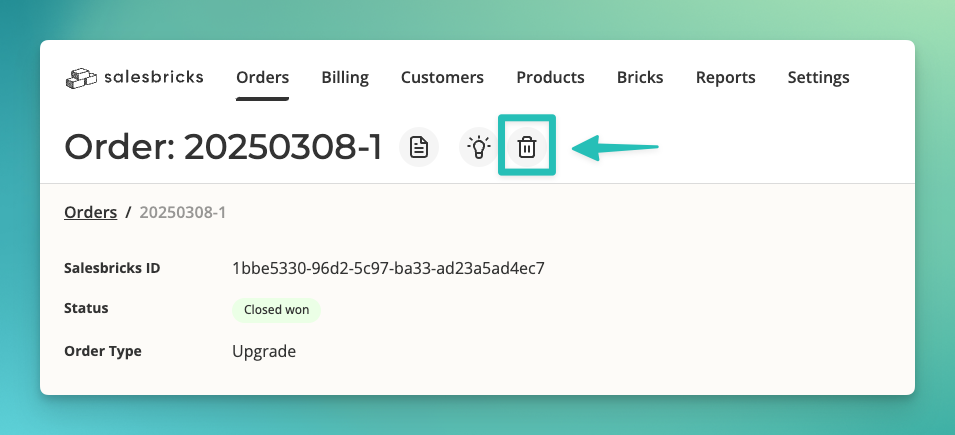
If you do not see the trash icon, please reach out to Salesbricks Support to assist you in deleting the order.