How do I download a signed order form?
Last updated: April 3, 2026
Go to Orders, search for the desired closed won order, and click the row to view order details.
Click the "View signed order form" button.
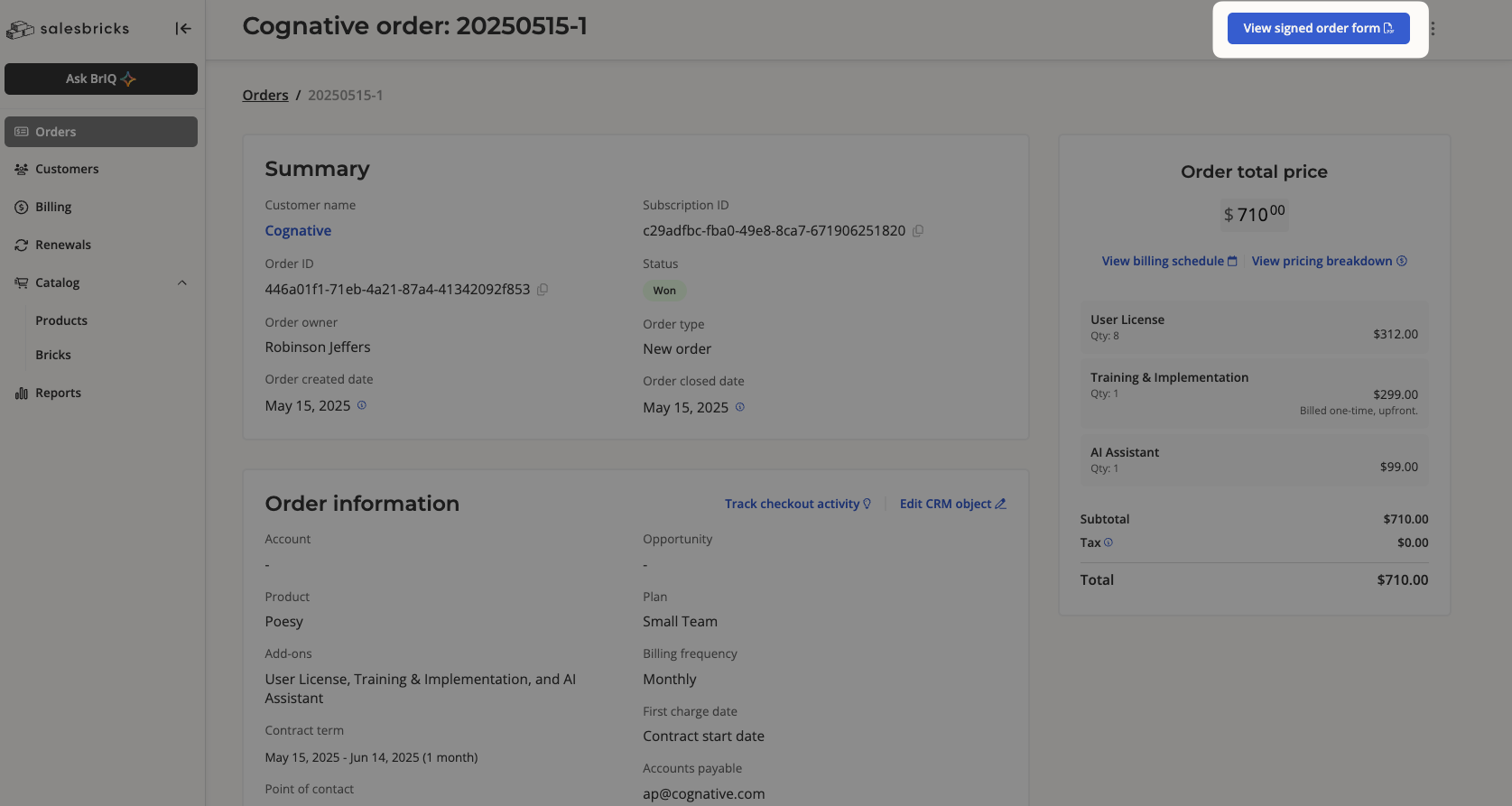
If the order was closed via credit card / ACH bank transfer, the button will read "View order receipt." This allows you to download the same order form PDF document, minus signatures.
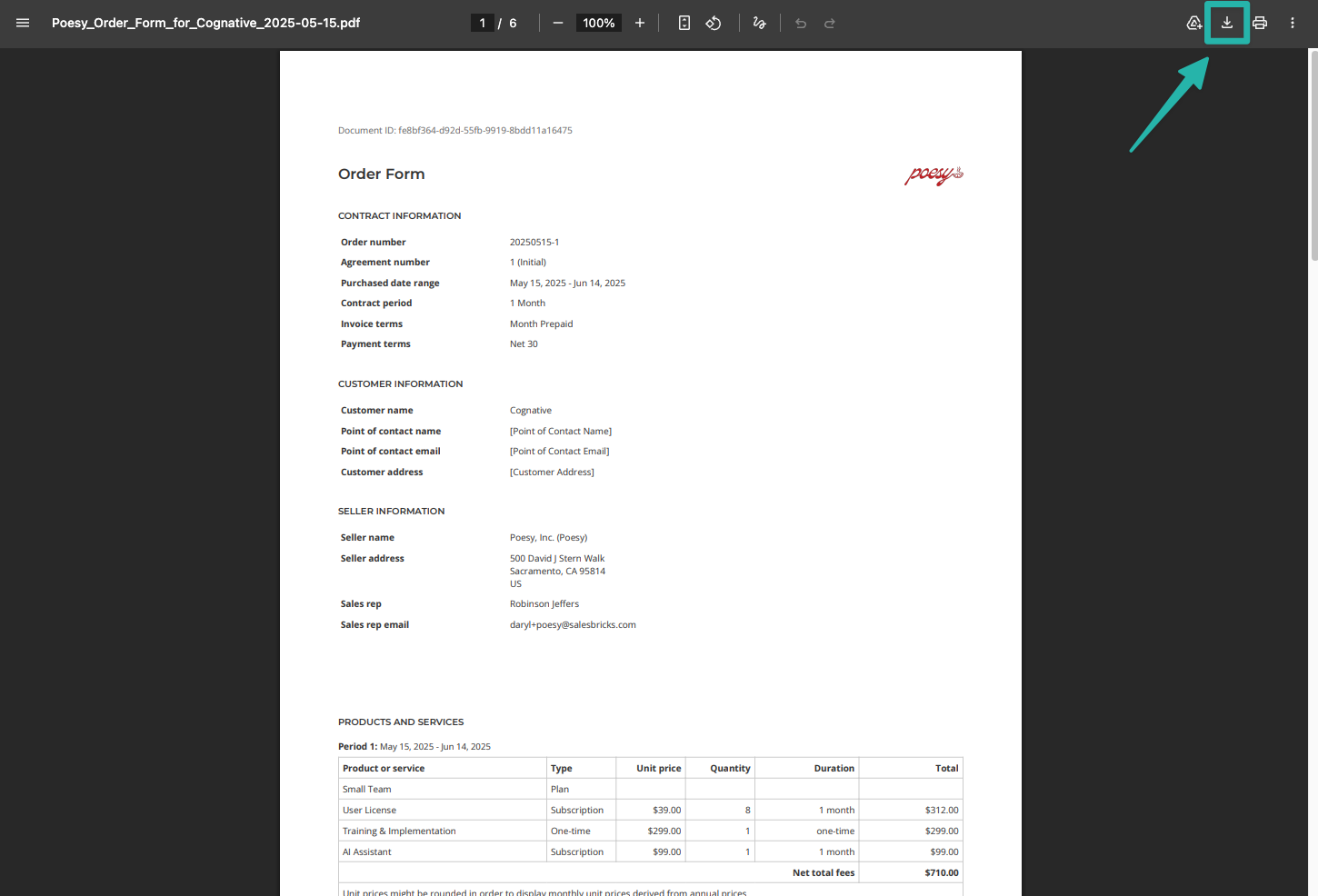
Click the download icon to save the order form to your computer.